Features How it works Pricing Community Business Get the App

Everything you need to pay less

Built for shoppers who buy the same things again and again, and want to know exactly where the best price is.

Barcode scan

Point your camera at any product barcode and the app logs it in seconds. No internet required. The barcode lookup runs entirely on your device using ML Kit, so it works in the basement of your local warehouse store with no signal.

  • Works offline with on-device ML Kit
  • Unlimited scans on all plans
  • Stores per product: unlimited
  • Instant price entry after scan
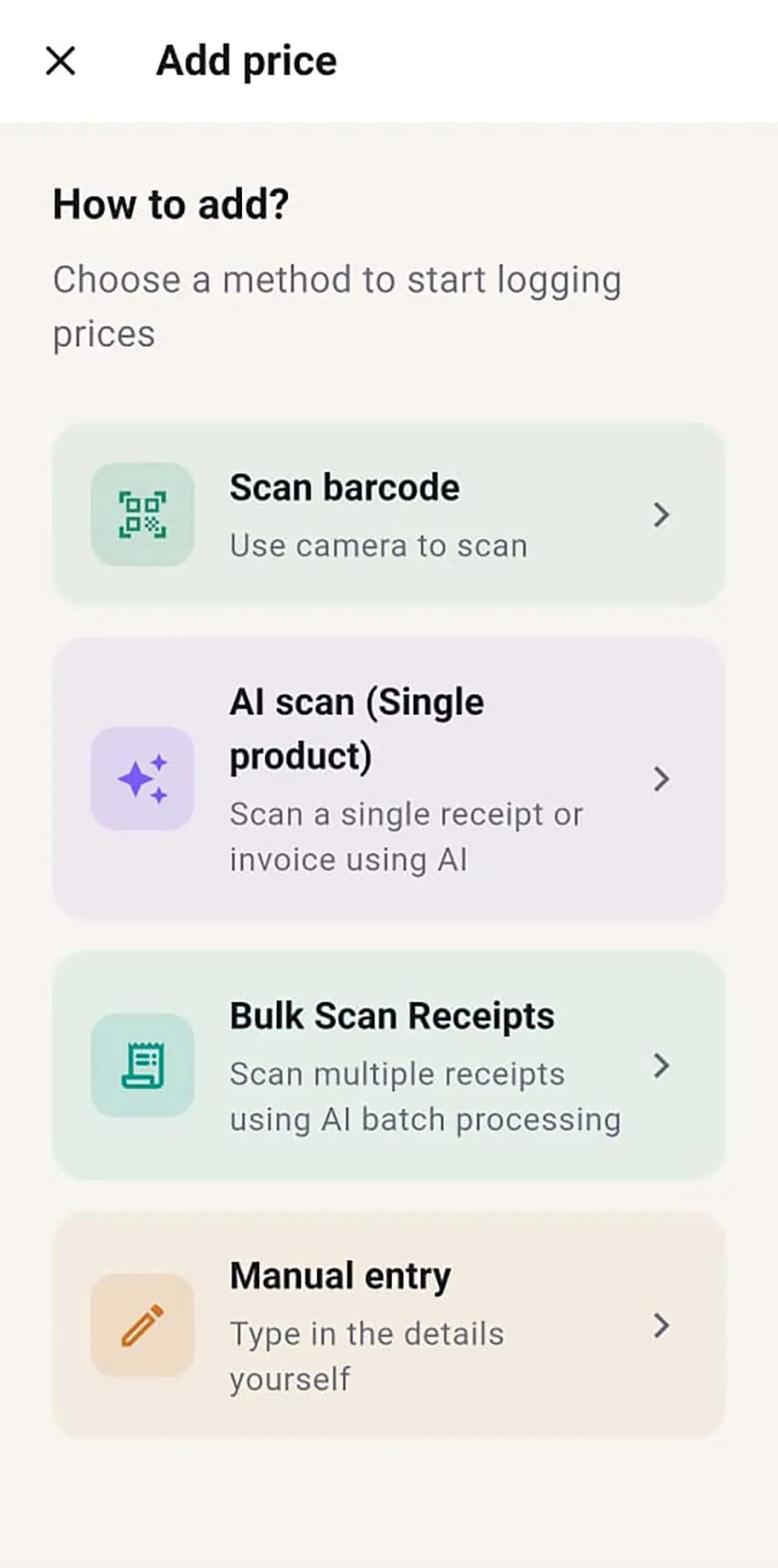
Add price method chooser screen

AI photo scan

Take a photo of a product on a shelf, or a price tag, or a full shopping receipt. Gemini AI reads the image, identifies the product, detects the price and fills in all the details for you to confirm.

  • Single product photo or bulk receipt scan
  • Identifies product, brand, barcode, category
  • Detects price from any angle or label format
  • Free: 1 scan / month. Pro: unlimited.
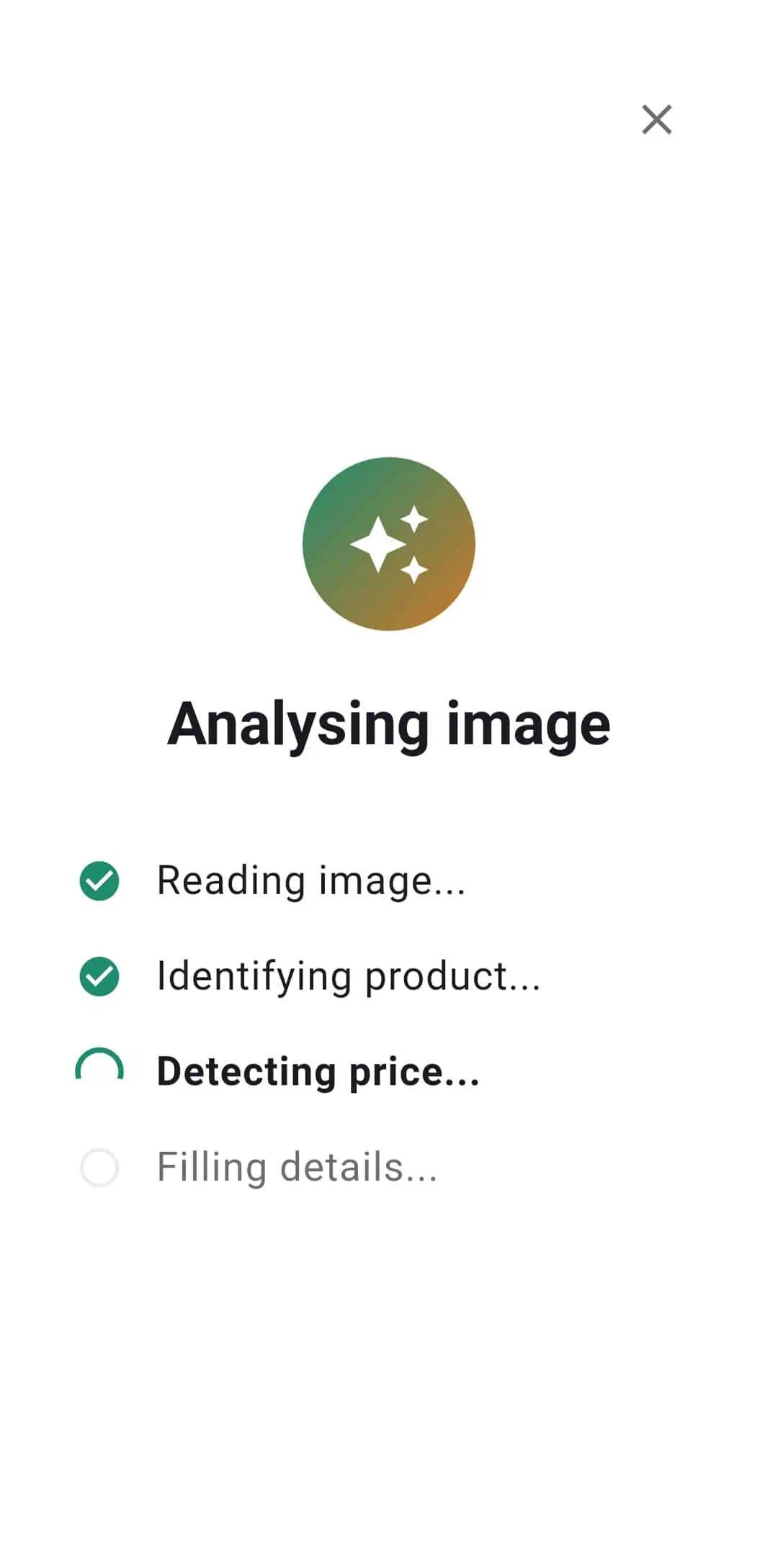
AI analysing image in progress

Price history + charts

Every price you record is logged with a date, store, and location. Over time, the app builds a full price history with charts showing when and where you paid the most and least.

  • Best, latest and all-time tracked price at a glance
  • Chart view: prices over time across all stores
  • Full insights available on Pro
  • Local history on Free
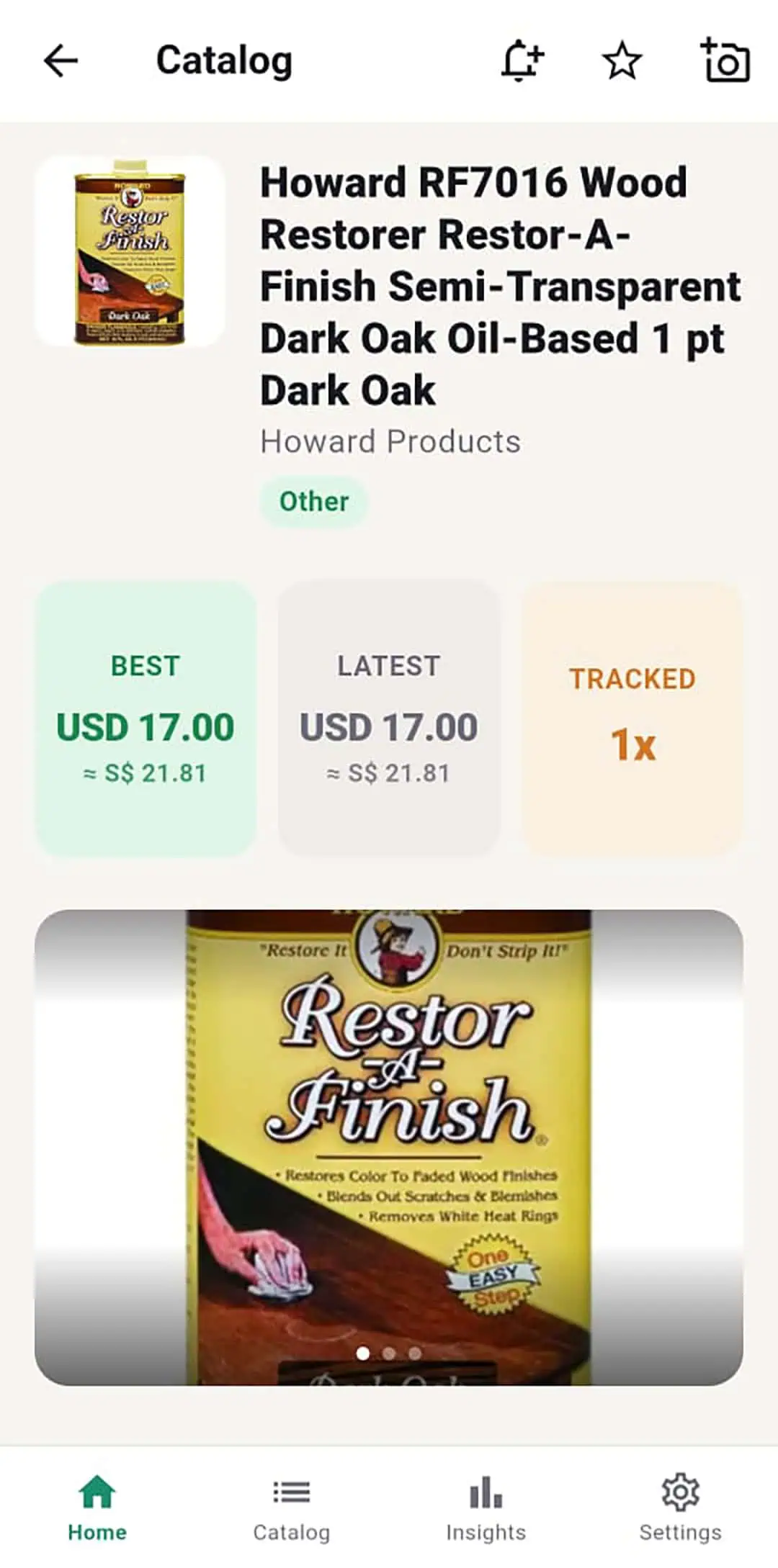
Product price stats and history

Community prices

Opt in to share prices with the community. See what other shoppers are paying for the same product at shops near you. All contributions are anonymous. Your identity is never attached to any price.

  • Contribute on all plans (free)
  • View community prices: Pro feature
  • Prices confirmed by multiple shoppers
  • Stale prices expire after 30 days
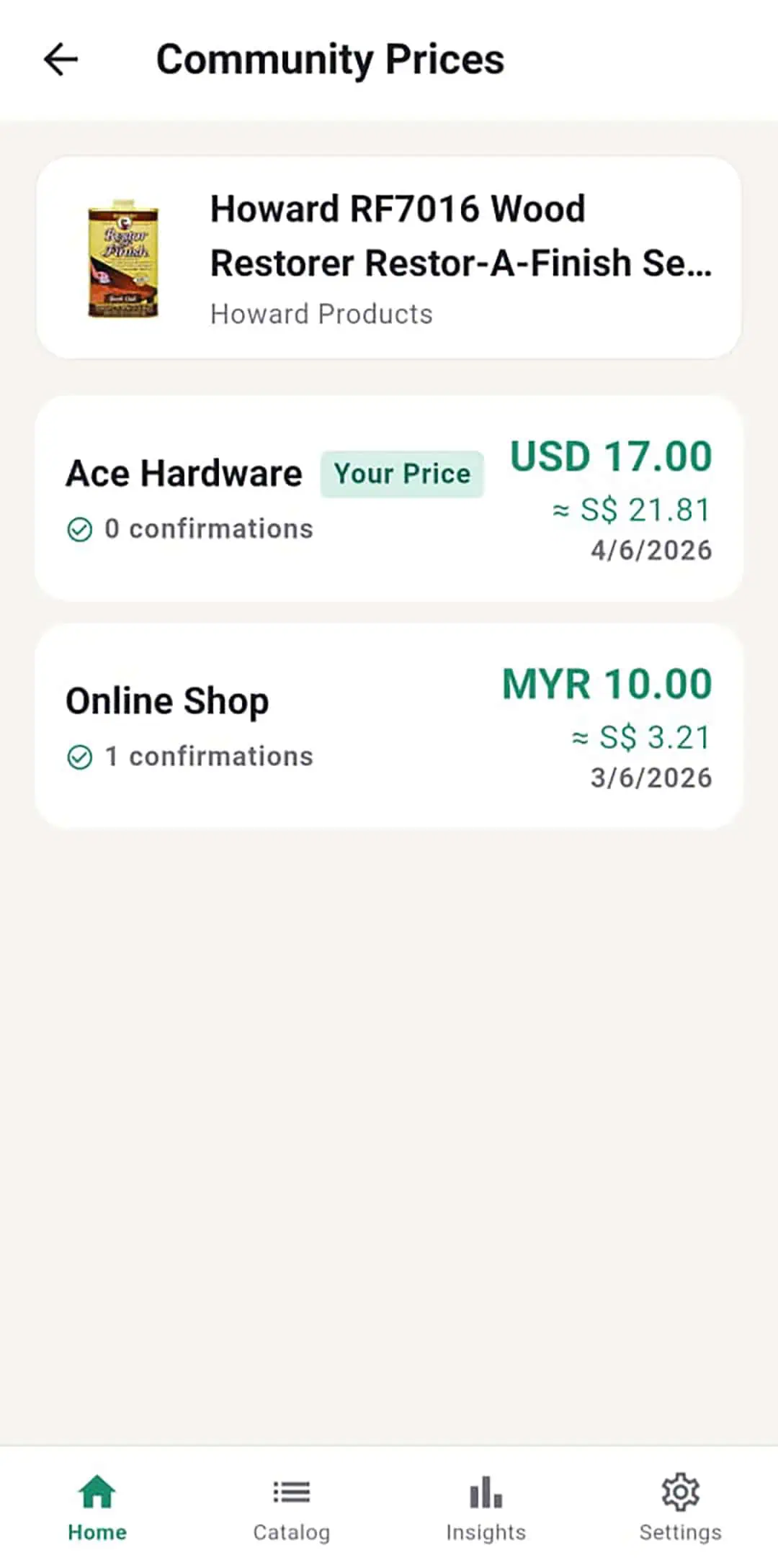
Community prices screen

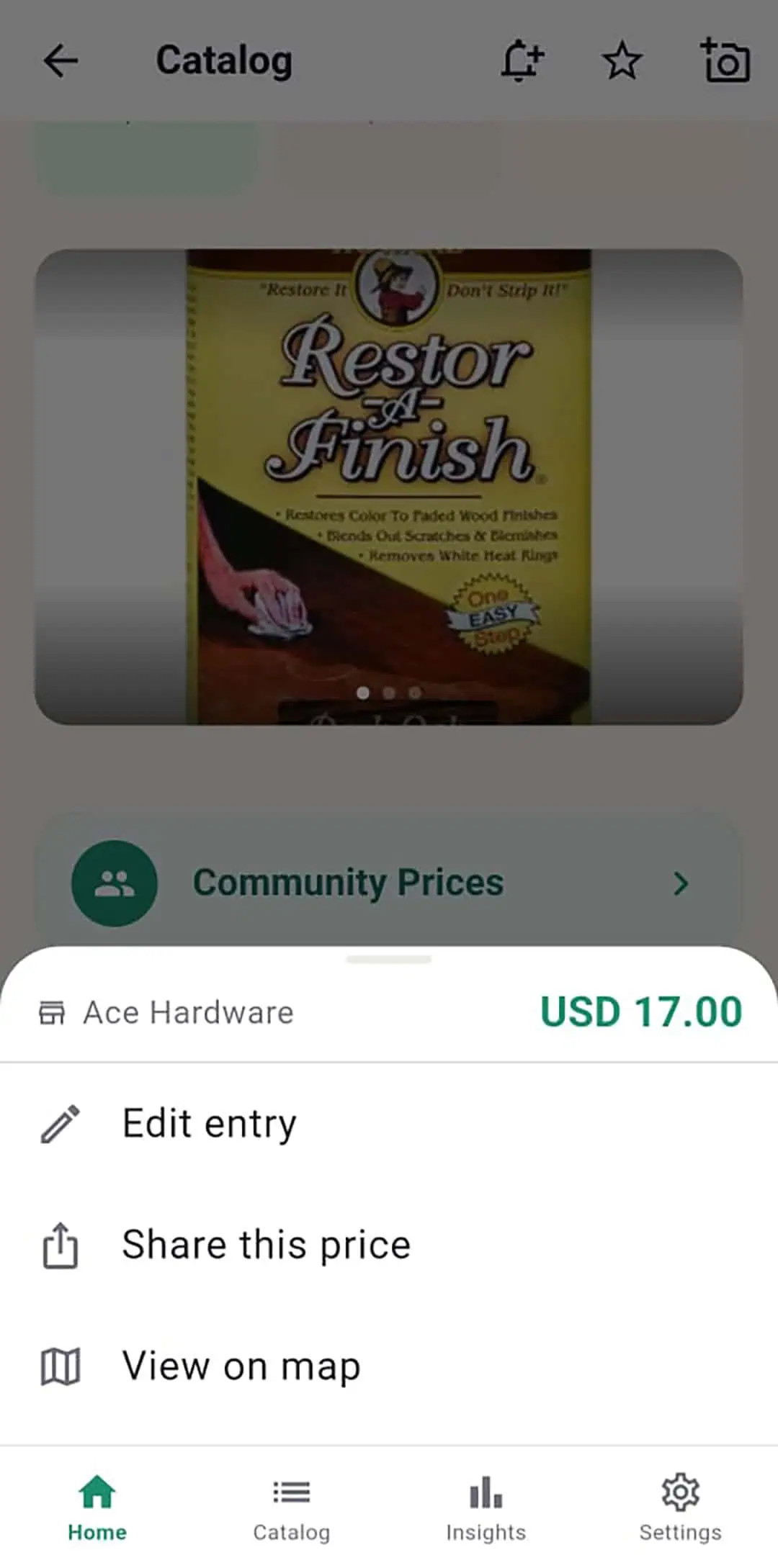
Price-drop alerts

Set a target price on any tracked product. When a community member spots it at or below your target at any shop, you get a push notification. Stop checking. Just get notified.

  • Set target price per product
  • Alerts fire when community confirms the price
  • Available on Pro only
Price action sheet

Multi-currency + travel mode

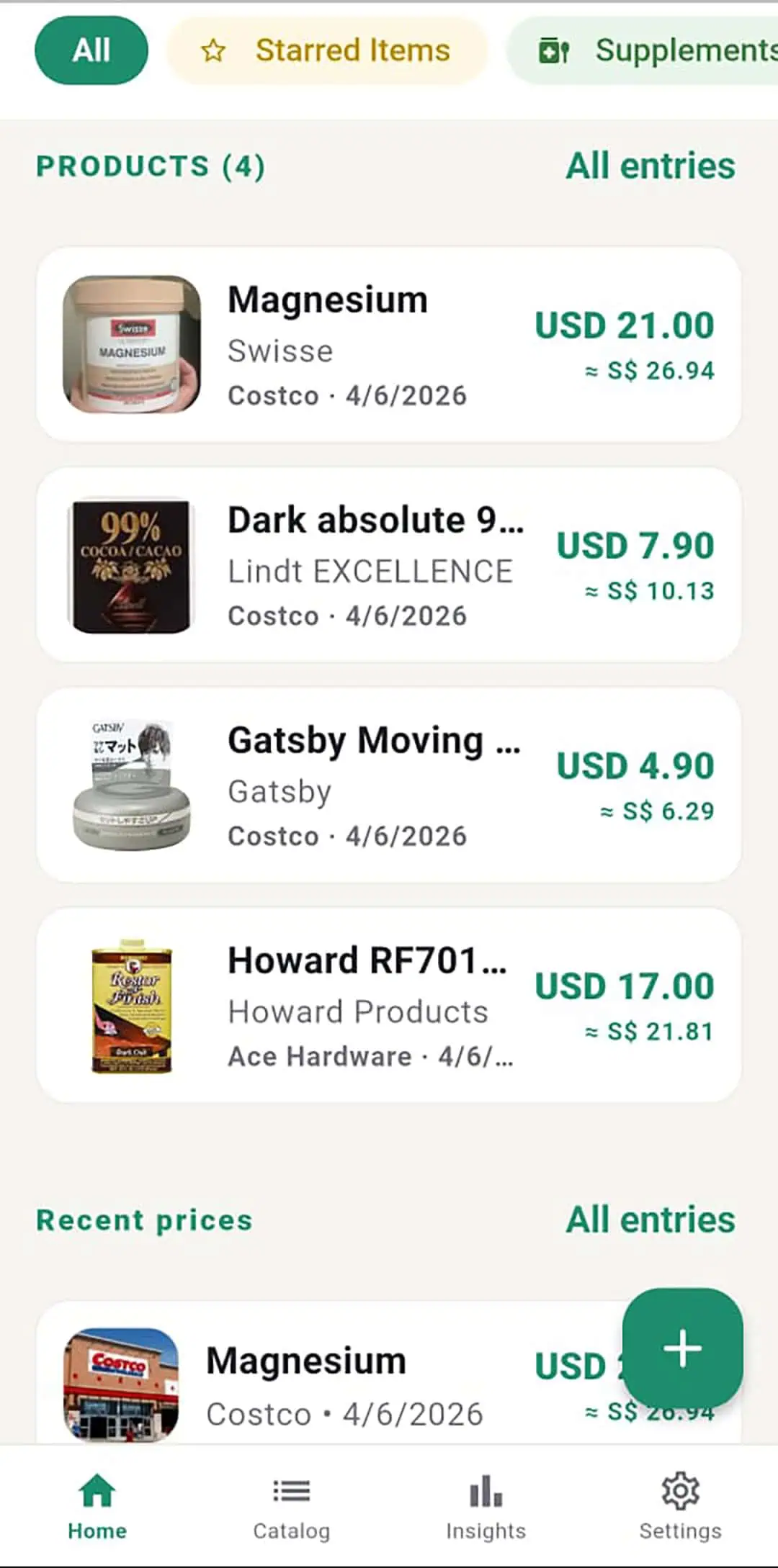
Set your home currency once. The app automatically converts all prices to it so you can compare across countries. When you travel, switch to local currency view. All your historical prices stay intact and comparable.

  • Home currency set on first launch (auto-detected)
  • Travel mode switches display currency instantly
  • Exchange rates auto-updated
  • Available on all plans
Home screen with currency conversion

Business mode

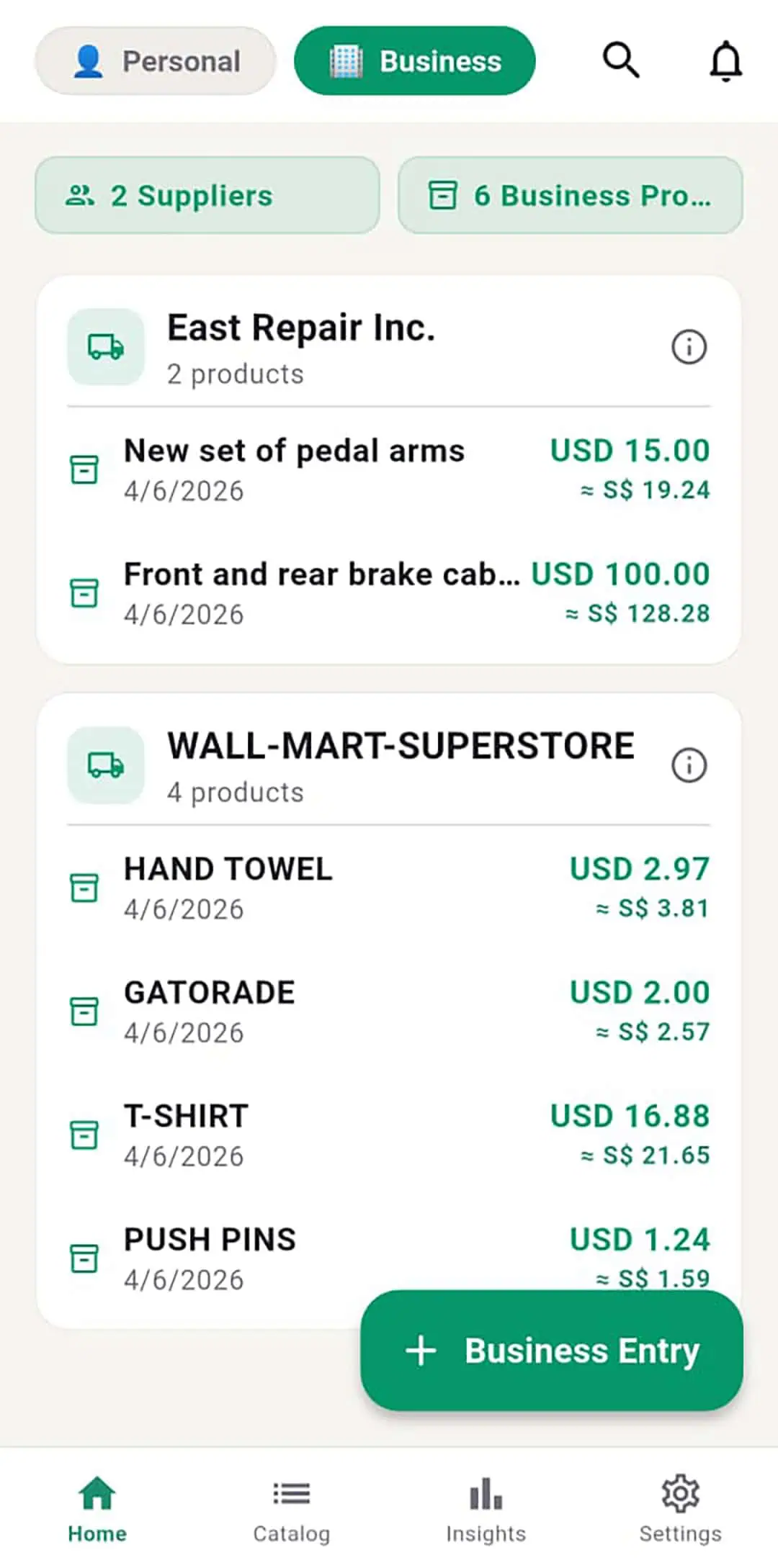
Switch to business mode to manage suppliers, track purchase orders, and build a catalog for your business. Invite team members to collaborate on prices and suppliers together.

  • Suppliers and purchase orders
  • Business catalog separate from personal
  • Team workspace: up to 4 members (Starter) or 11 (Pro)
  • Audit log and bulk import on Business Pro
See business plans →
Business mode screen with suppliers

Start tracking. Never overpay again.

Free to download. No credit card needed. Try it today on Android.