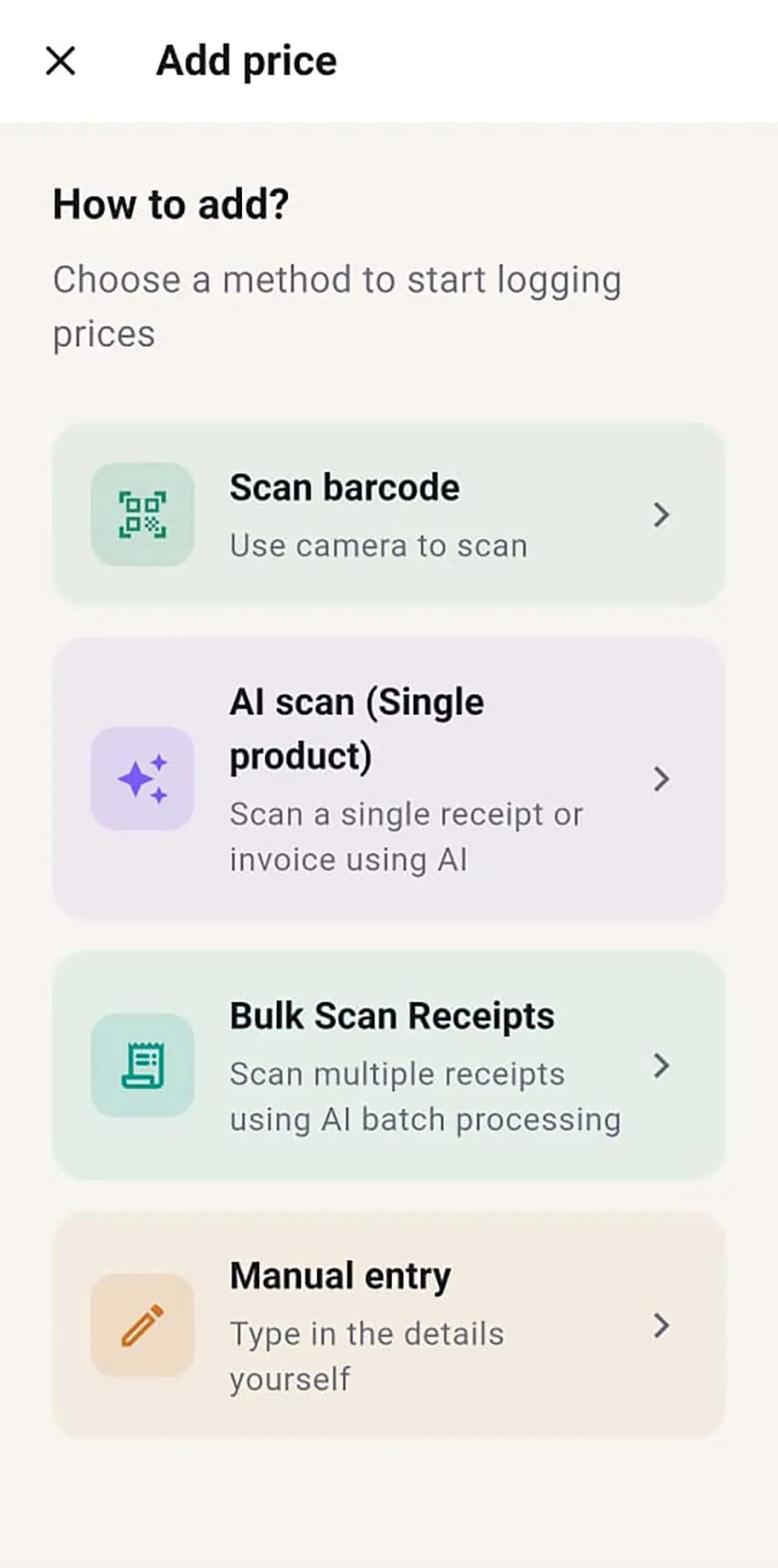
Add a price your way
Every price entry starts with four options. Scan a barcode for instant offline entry. Take a single AI photo of a product or shelf label. Bulk-scan a receipt to log multiple products at once. Or type it in manually if you already know the details.
You pick the method that fits the moment. At a supermarket with a slow signal? Use the barcode scanner, it works offline. Got a stack of receipts? Snap them one by one with bulk AI scan.
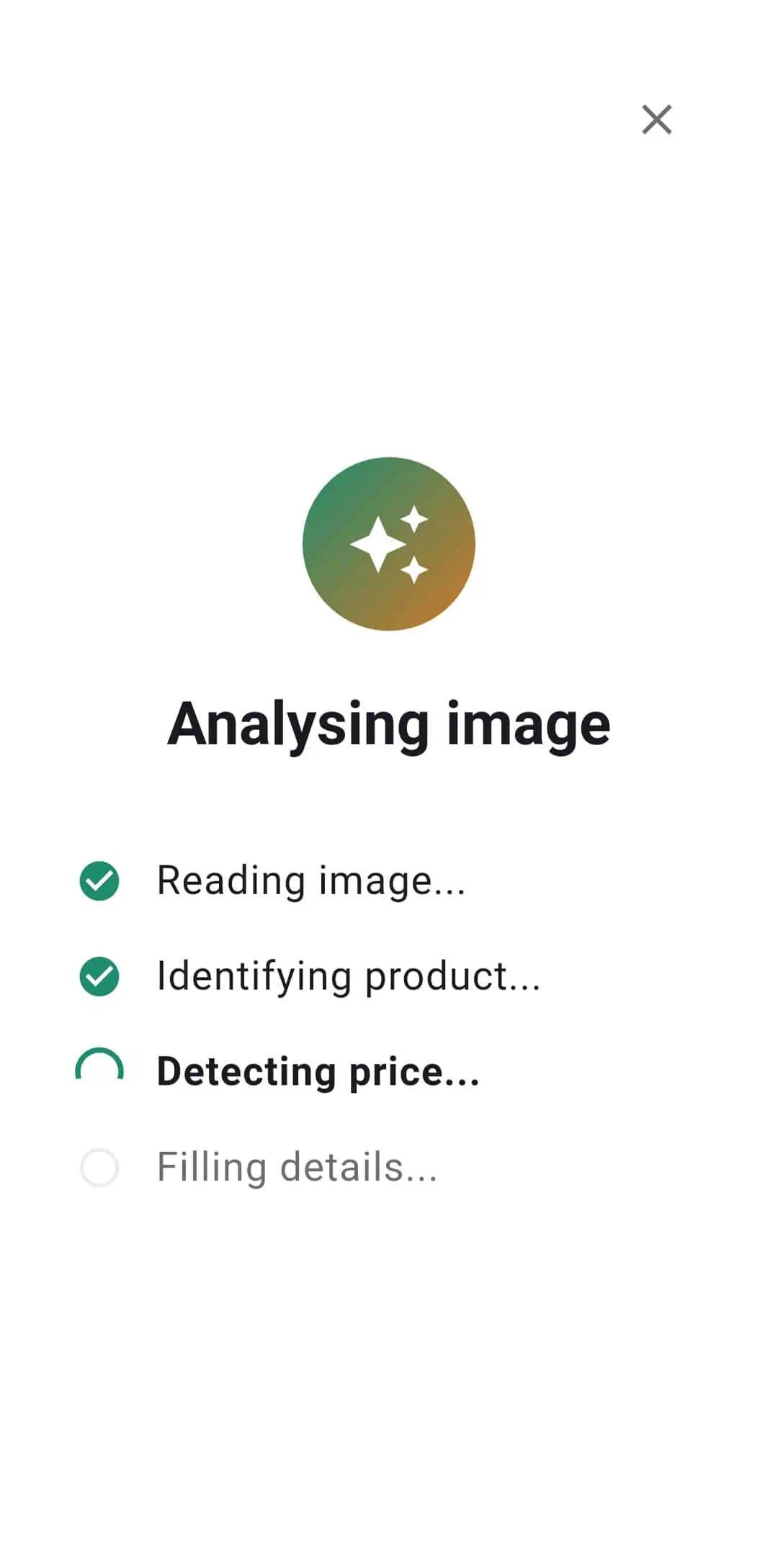
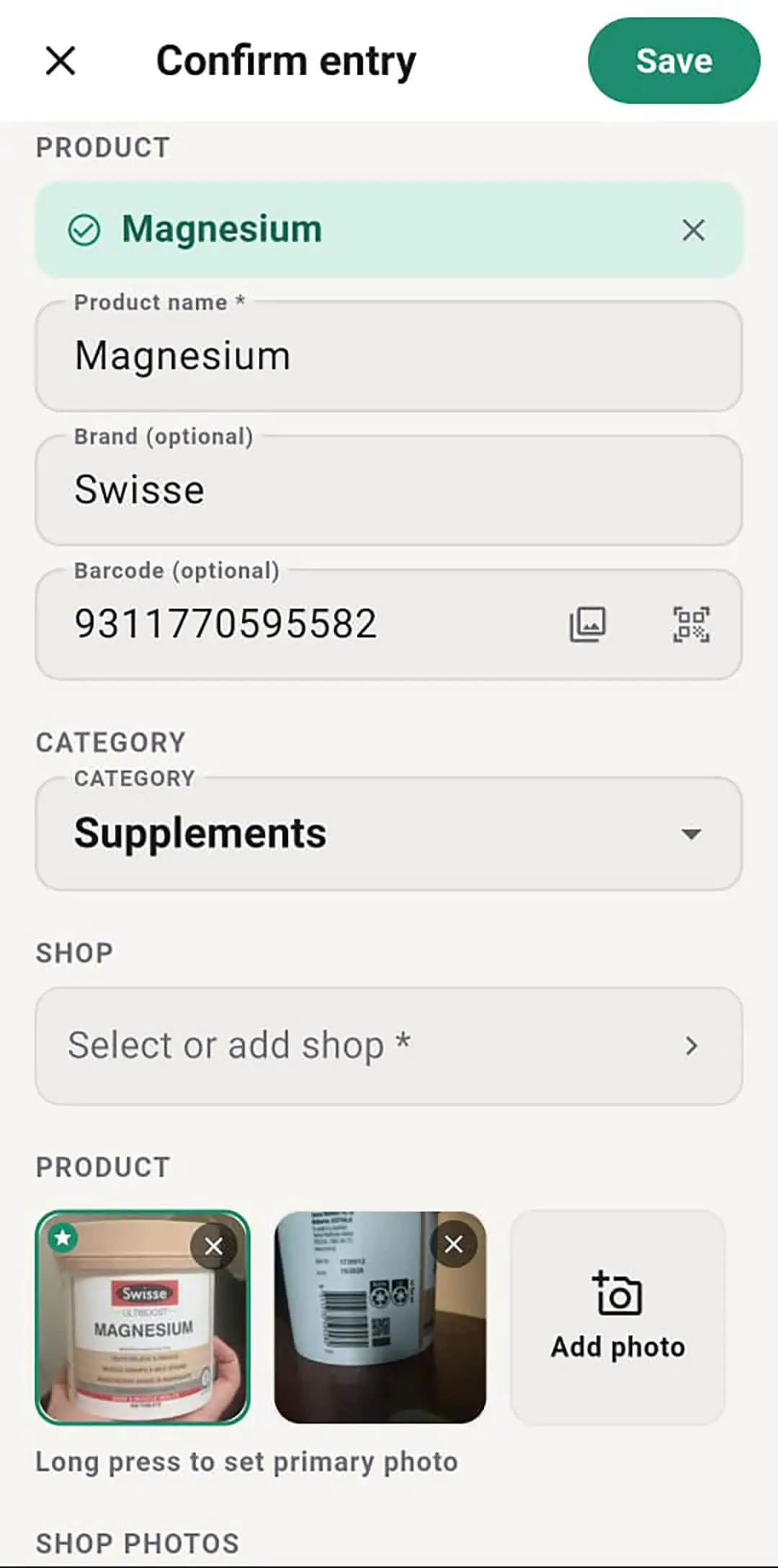
AI fills in the details
When you use the AI photo or receipt scan, Gemini reads the image and fills in the product name, brand, barcode, category, shop, and price. It takes a few seconds. You then see a confirmation screen with everything pre-filled. Correct anything that needs fixing and save.
For barcode scans, the product details come from the barcode database. Either way, you review before anything is saved.
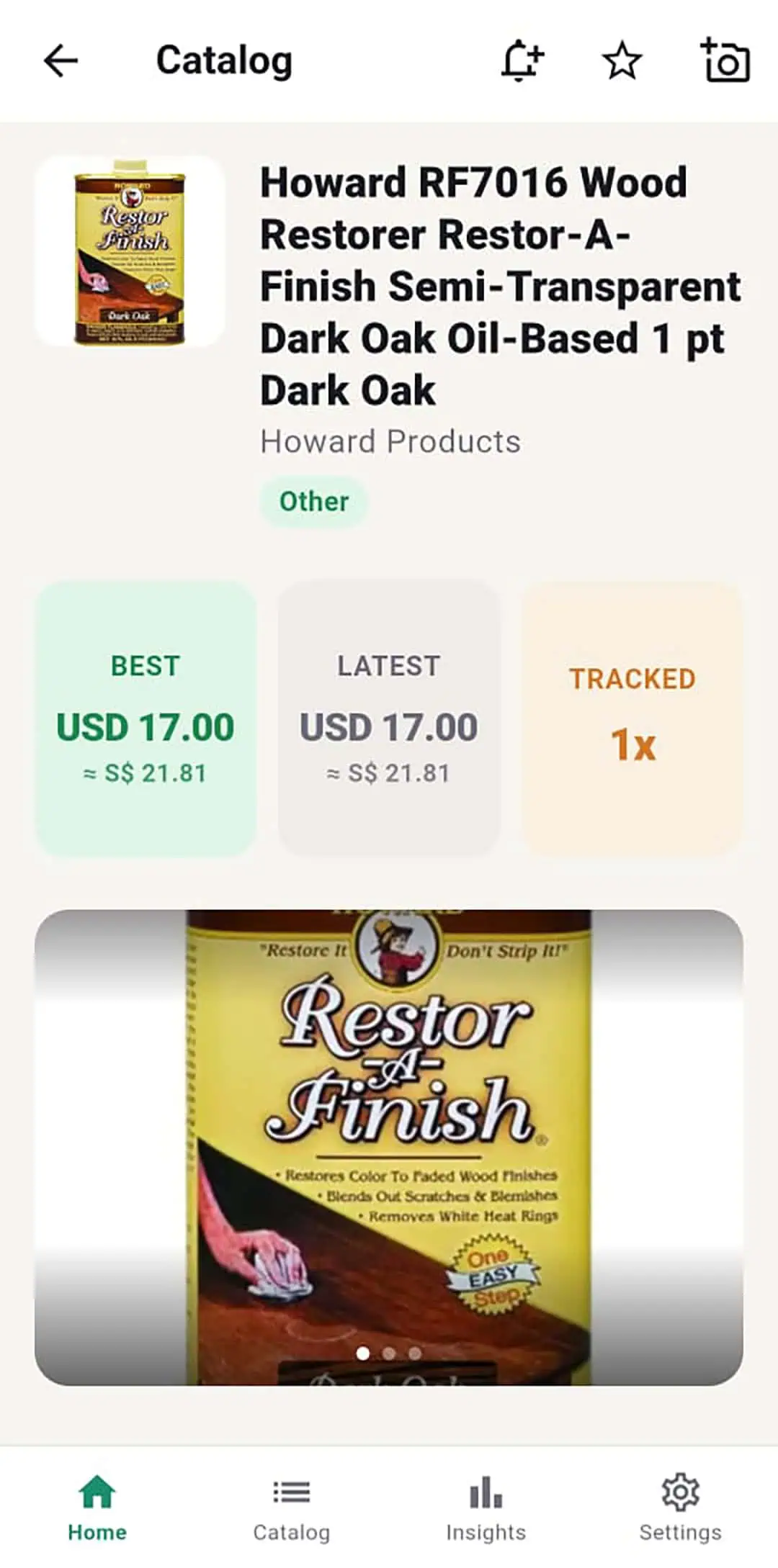
Track and compare over time
Each product gets its own page showing your best price ever, your latest recorded price, and a full price history across every shop you have visited. The chart shows how prices move over time.
On the Pro plan, you get full price insights: breakdown by store, trends, and analytics to help you spot the best time and place to restock.
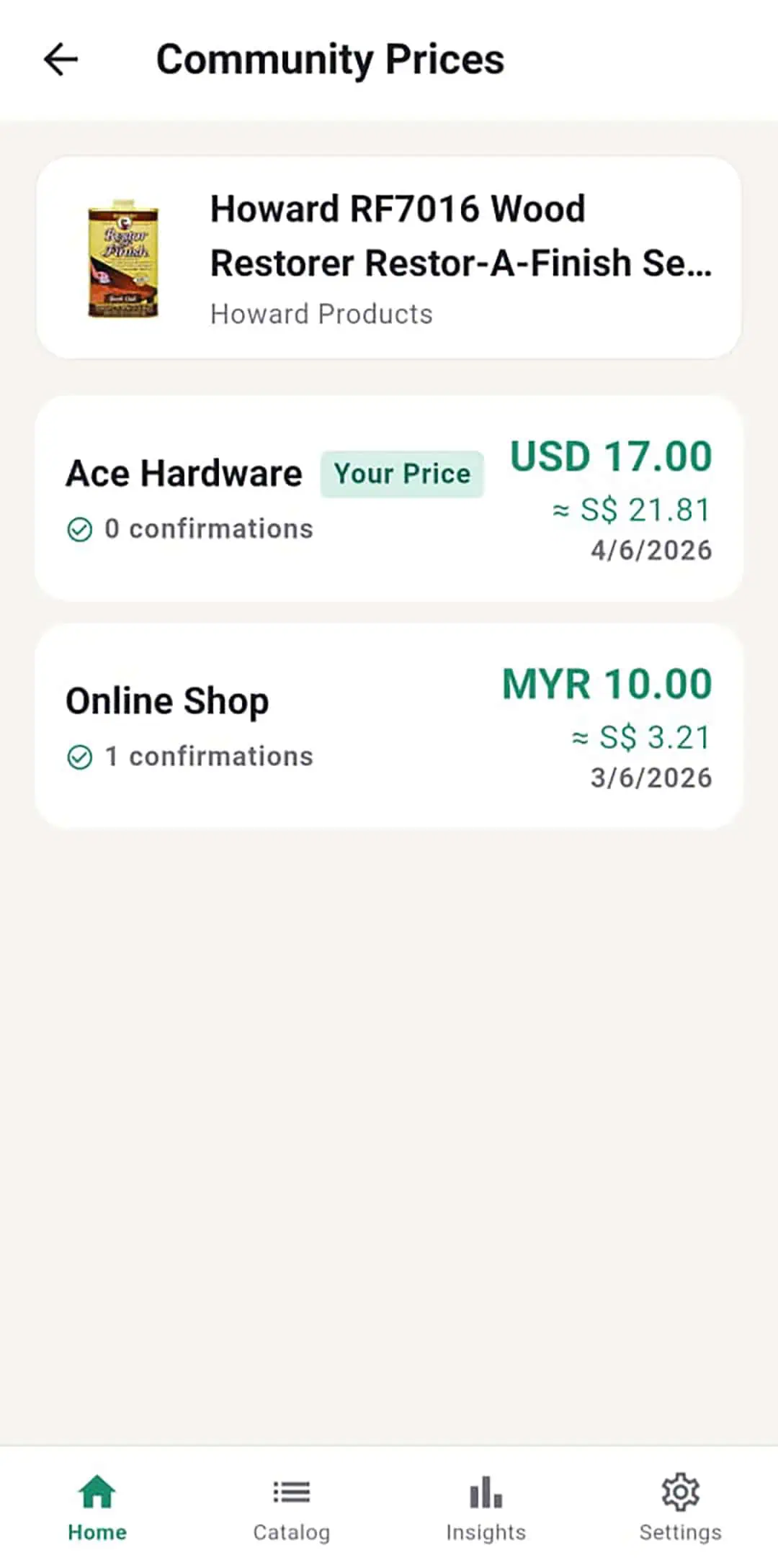
See what others are paying (Pro)
When you tap a product that has community prices, you see prices contributed by other shoppers at nearby shops. Every contribution is anonymous. Your user ID is never attached to any price you share.
Prices must be confirmed by at least 3 different shoppers to show, and expire after 30 days without re-confirmation, so you always see fresh, verified data.
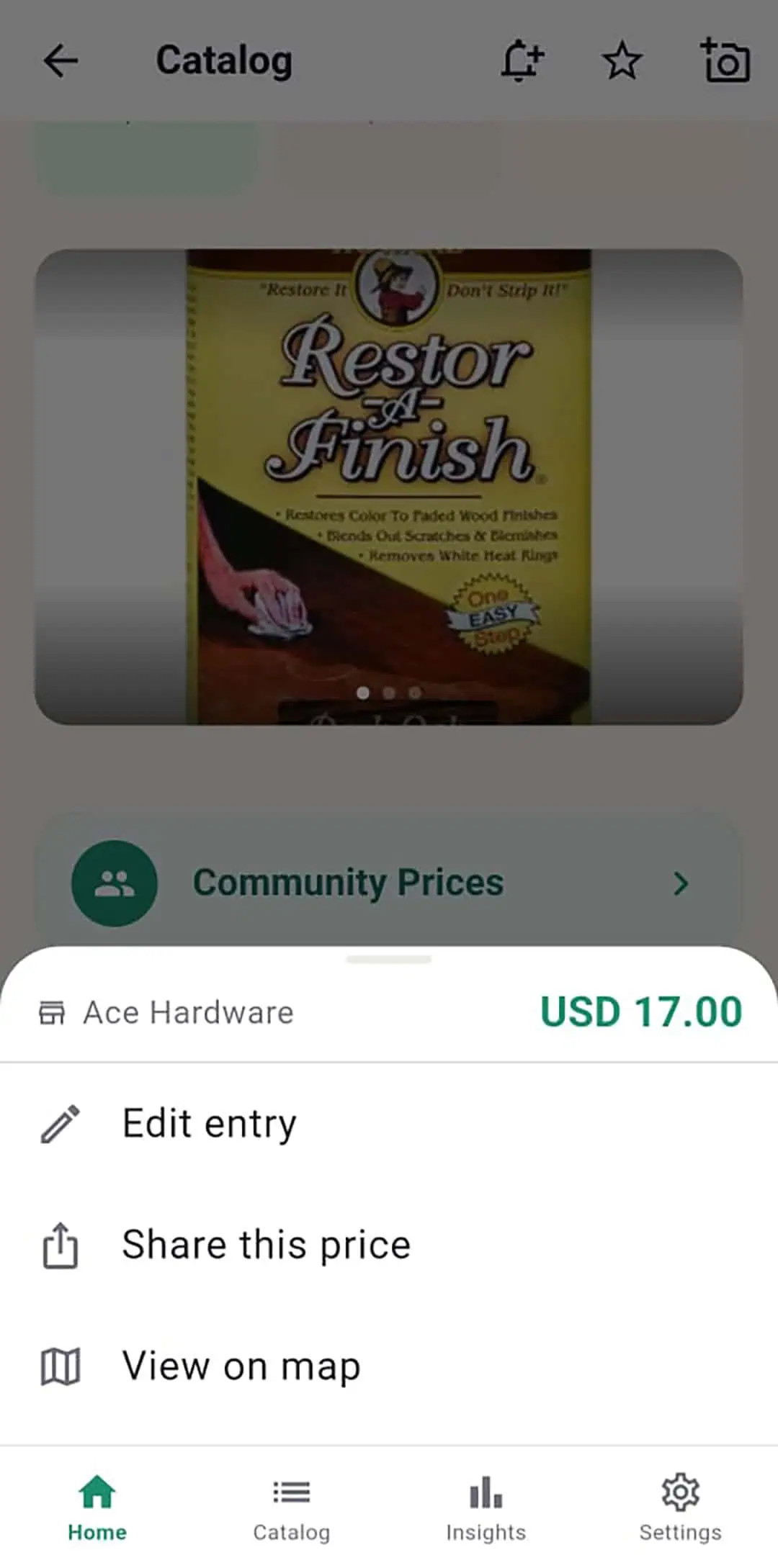
Share, edit, and set alerts
From any price entry, you can share it with others, view it on a map, or edit the details. Set a target price on any product (Pro) and get notified the moment a community member spots it at or below your target.